

Attio Integration
Deploy agents to Attio
Connect Matagi, create your agent, and let it work inside Attio. Under 2 minutes.
Get started by installing the Matagi app in your Attio workspace.
Connect Matagi in Attio01
Install Matagi
Find and install Matagi directly in Attio. Navigate to Settings > Apps and search for Matagi.
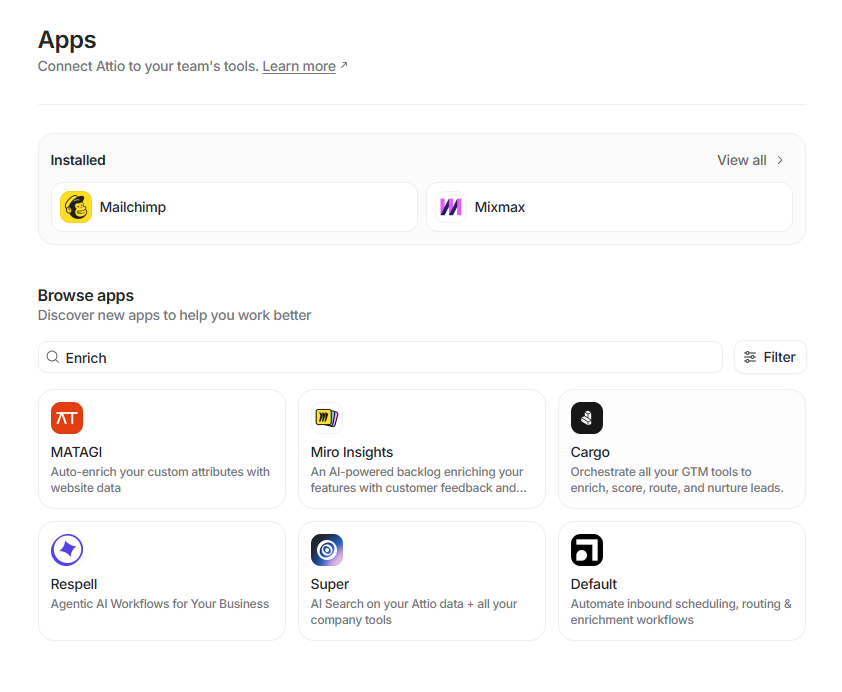
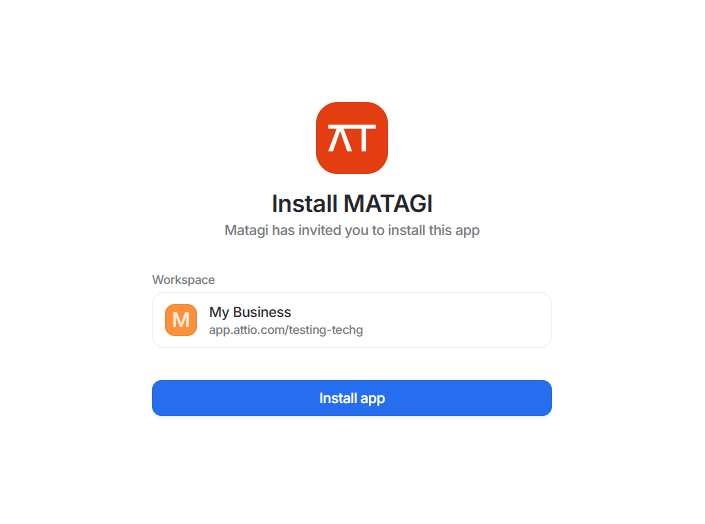
02
Connect to Matagi
When you connect Matagi, webhooks are created automatically to handle enrichment requests. These ensure the right data is delivered to the right place at the right time.
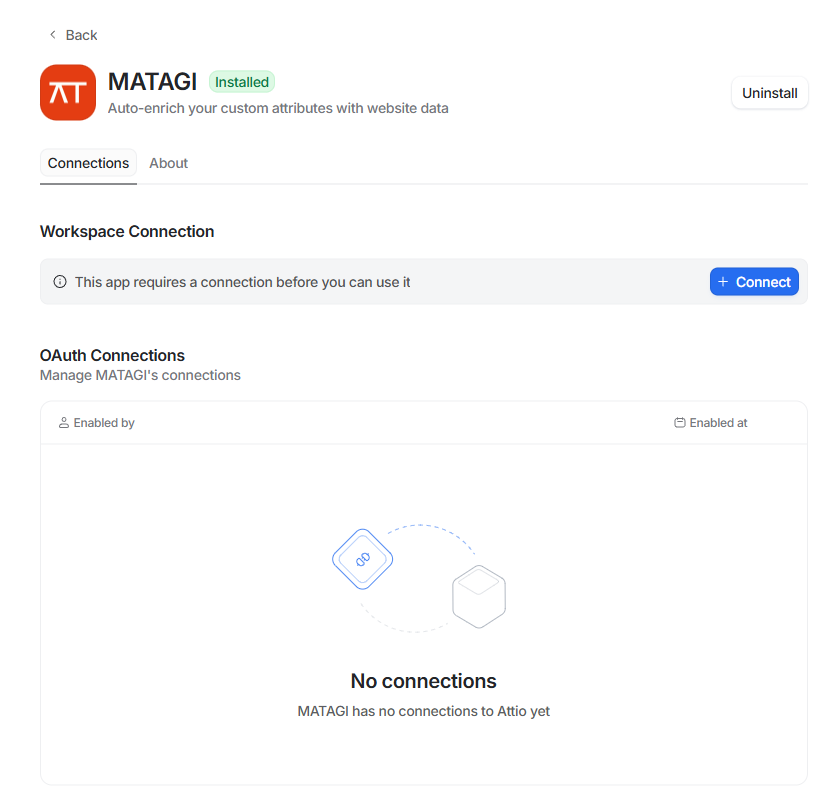
03
Verify your Attio connection
Make sure your Attio connection is active under Integrations in the Matagi app.
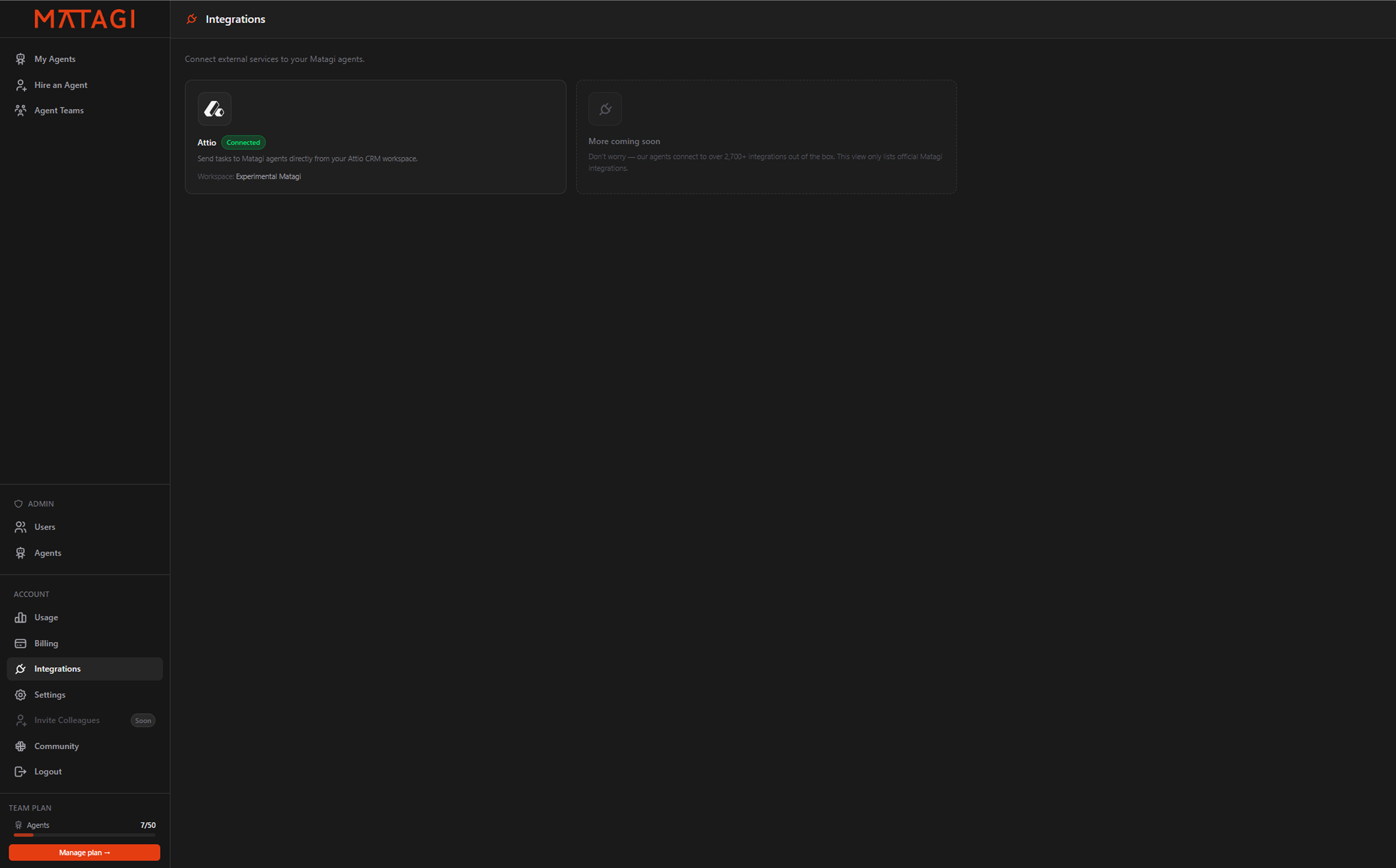
04
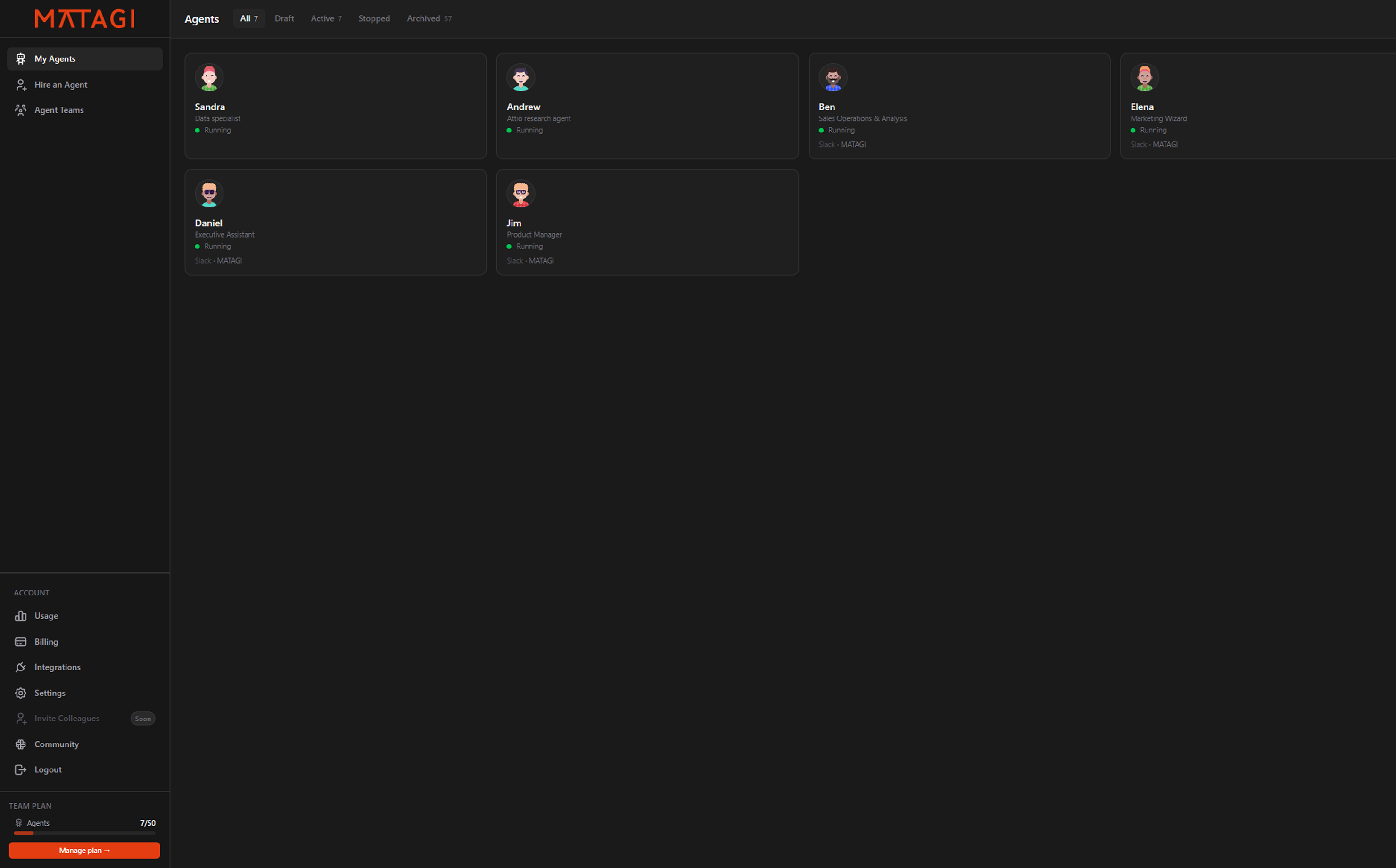
Create your first agent
If you already have agents you can skip this step.
05
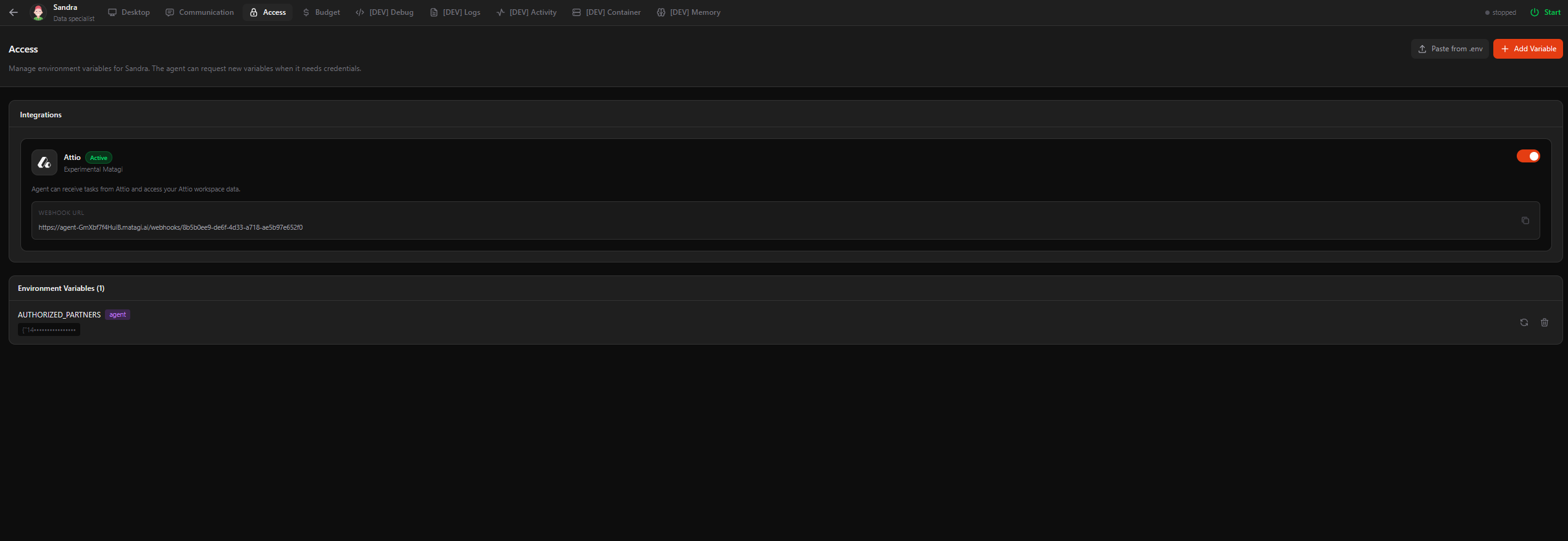
Enable Attio in the Access tab
Go to the Access tab in your agent console and enable Attio.
06
You're all set
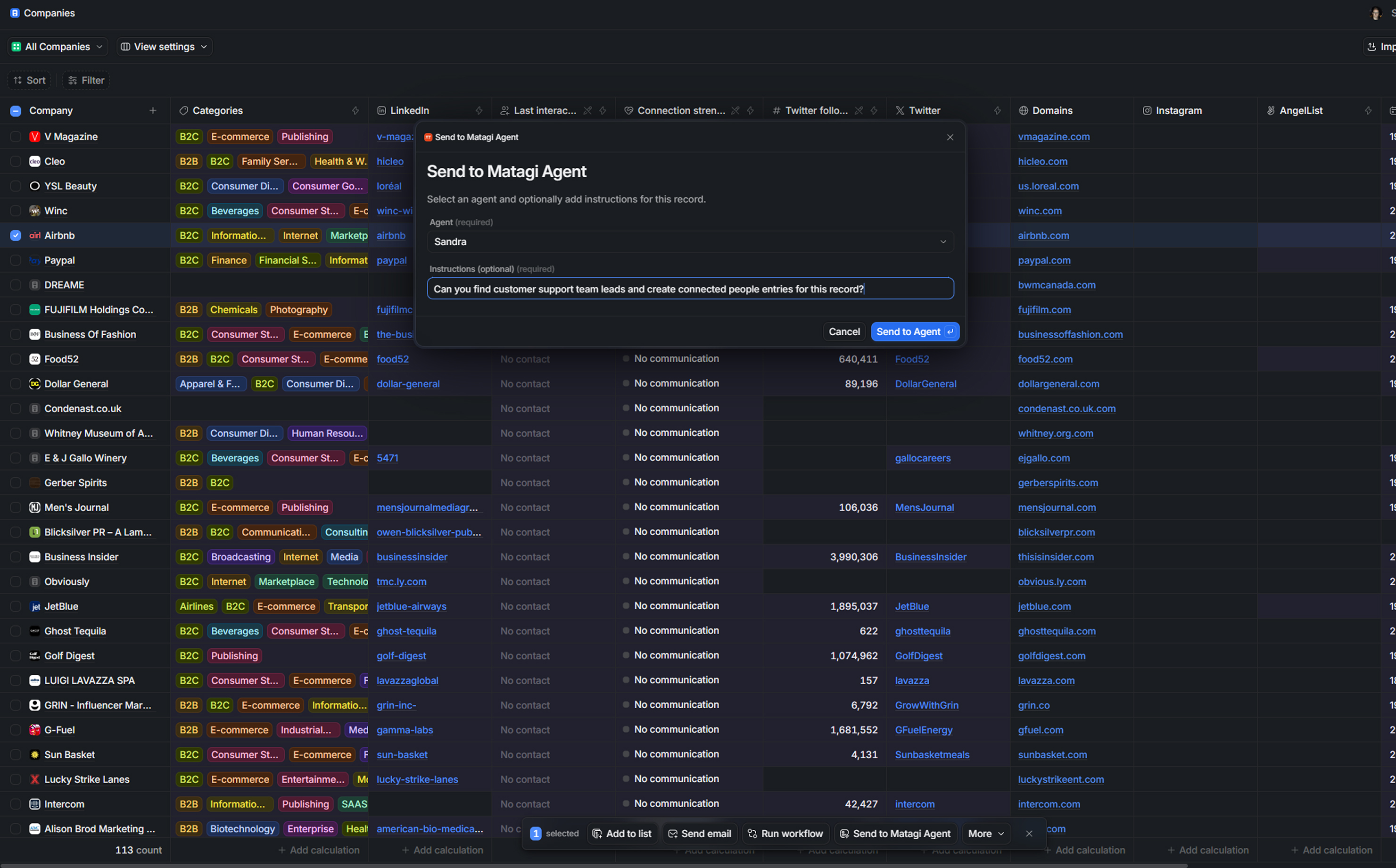
Give and schedule assignments to your agent from the Matagi webapp or send assignments directly from records inside Attio.
Ready to get started?
Connect Matagi in Attio